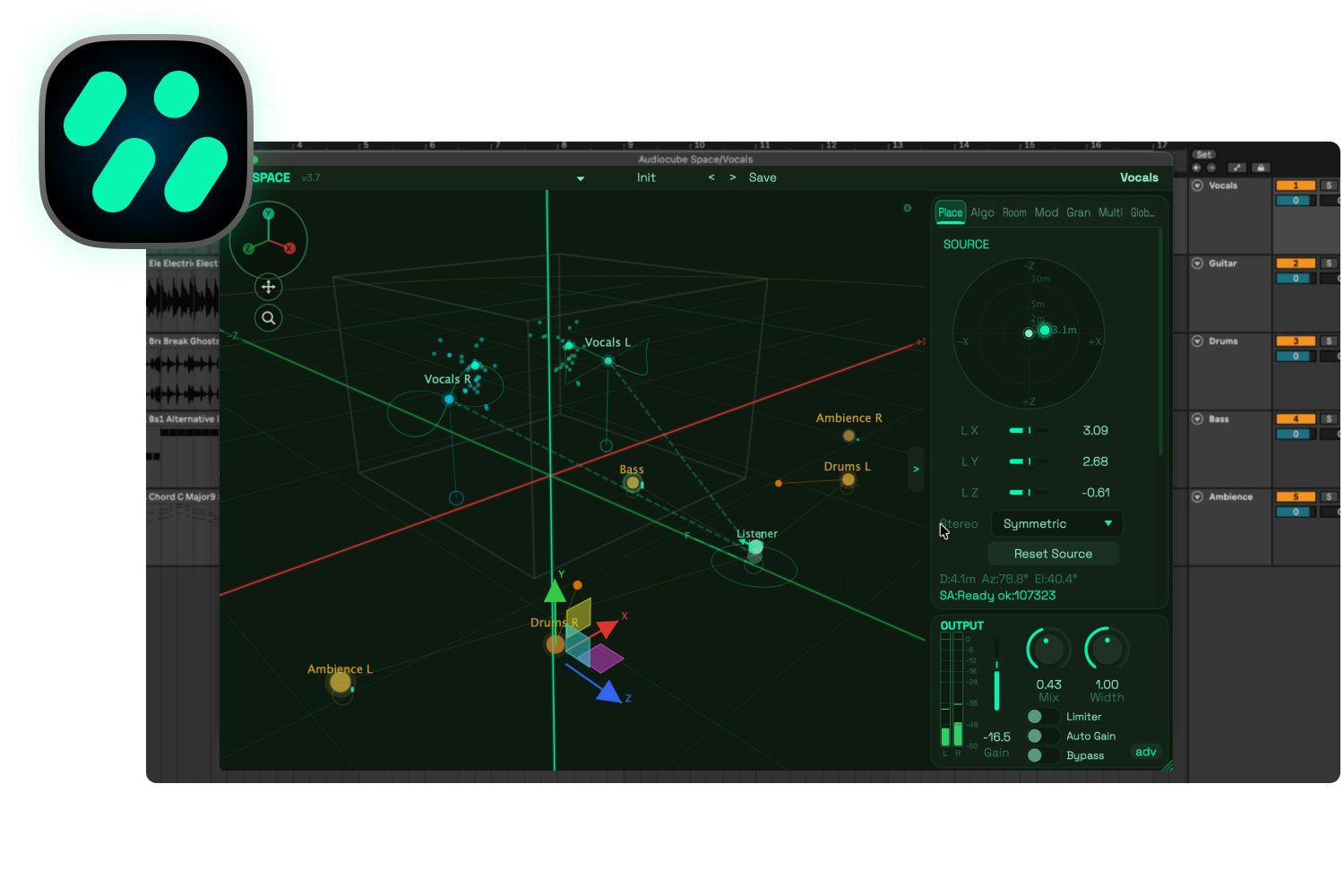
Introducing Audiocube Space: A Spatial Audio Plugin
This blog post explains Audiocube Space, a new 3D audio spatializer plugin.
A common request I've received from the Audiocube community is direct, frictionless integration between the standalone Audiocube environment (Audiocube Pro) and their DAW of choice.
Initially, I spent a lot of time exploring options to bridge the software together.
During that development process, I realized: the most seamless option wasn't to build a bridge, but to rebuild the core Audiocube engine as an independent plugin.
Audiocube Space represents the realization of that goal.
After months of development, I’m excited to launch an audio plugin that transforms your DAW into a physically modeled 3D audio environment.
What is Audiocube Space?
Audiocube Space is a spatializer plugin that transforms your DAW into a virtual acoustic studio.
Format: VST, AU, AAX (MacOS & Windows)
DAW Support: Ableton, Logic, Pro Tools, FL Studio, Reaper, & all plugin-compatible DAWs.
At its core, Space takes the Audiocube engine and rebuilds it as a plugin for everyday DAW workflows. You can load it directly onto a track, open the interface, and begin positioning sound inside a 3D viewport.
You can drag sounds around the listener, shape the acoustic behavior of the room, create moving spatial patterns, render binaural headphone mixes, output to multi-channel speaker arrays, and build evolving sonic environments from inside your DAW.
It is enables simple and intuitve spatial placement, with a deeper layer of advanced sound design..
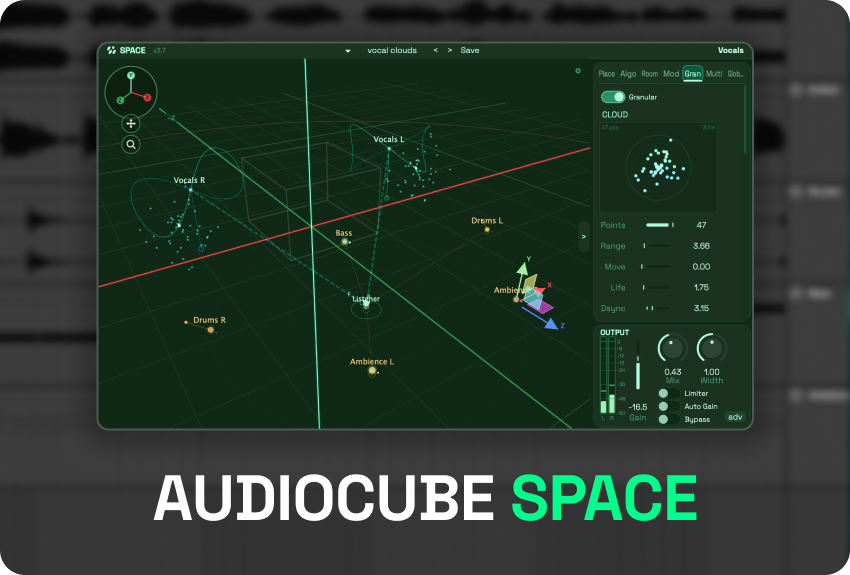
Audiocube Space - Core Features
I built Audiocube Space with features for both technical and creative aspects of sound design.
Place Sounds Anywhere in 3D - Use the interactive 3D viewport or the top-down Radar Joystick to move sources and listening positions with precise, intuitive control across the X, Y, and Z axes.
Enhanced Acoustic Simulation - Space models real-world propagation physics, including distance attenuation, air absorption, occlusion, and source directivity.
Advanced Reverb & Reflection Modeling - Toggle between a parametric algorithmic reverb featuring 10 distinct room shapes and 7 surface materials, or load your own files into the IR Convolution engine with a unique, pitch-preserving decay time-stretch.
Generative Spatial Granulator - Scatter up to 50 individual, pitch-shifted delay grains into a cloud around your source. Quantize grain pitches to 14 different musical scales or chords to build beautifully evolving, harmonized ambient textures.
Multi-Channel & Binaural - Run headphone-ready binaural HRTF rendering, and output anywhere from stereo to 9.1.6, or build custom speaker configs.
Seamless Multi-Instance Linking - Drop Space onto multiple tracks to leverage shared listener positions and cross-instance control, allowing you to reach across and edit source positions on other tracks from a single plugin window.
This only scratches the surface of what the engine is capable of - for a deeper look at every parameter, check out Space’s Full Feature List.
How To Use Audiocube Space: A Basic Workflow
Audiocube Space is built to run entirely inside your DAW without requiring any other software. Here is a typical workflow pattern to get you started:
Insert the Plugin: Load Audiocube Space as an insert effect on any track you want to spatialize in your DAW.
Position Your Sources: Open the interface to manipulate elements directly inside the interactive 3D viewport, or use the top-down Radar Joystick for instant horizontal placement.
Animate with Motion: Turn on spatial modulation to trigger movement with BPM-synced patterns, and/or automate positions manually in your DAW.
Model the Acoustics: Adjust the acoustic properties to create your desired listening experience. Enable reflections to activate the algorithmic or IR reverb for further modeling.
Generate Sonic Clouds: Activate the Granulator to scatter grains around your source, using built-in tuning quantization to keep the texture perfectly in key.
Configure Multi-Channel Routing: Toggle on Multi-Channel Output to distribute your spatialized audio across speaker arrays.
Export Your Project!
This just demonstrates a general workflow. Check the Space User Manual for detailed examples of other.
Who is Audiocube Space for?
Audiocube Space is designed for many user types, covering a range of workflows across all stages of the audio production process.
Audiocube Space is a powerful tool for:
Music Producers - Space creates more immersive, cohesive, and natural listening experiences, unlocking new dimensions of sound design.
Mix Engineers - Space opens up a 3D workflow for audio mixing, providing a more tactile, 1:1 mixing experience, where the user literally places sounds exactly where they want them in the sound stage.
Mastering - A range of processes, from the acoustic simulation to binauralization and precise metering, enables engineers to finalize masters with more realism.
Multi-channel Operators - The flexible output routing tools serve as a powerhouse for multi-channel workflows, from stereo to 9.1.6, and beyond.
Experimental Musicians - The generative tools and infinite nature of the plugin presents exciting new opportunities for ambient and experimental composers.
That said, I’m sure there are countless other users - as I have discovered throughout the Audiocube project.
I can’t wait to hear what you create with it!
» Noah